60x60bb

CARROT Weather by Grailr LLC

15,522 views
Other videos
392x696bb 392x696bb 392x696bb 392x696bb 392x696bb 392x696bb 392x696bb 392x696bb 392x696bb 392x696bb

Recent Activity

See More Activities

Get this app!
App Details
  • Price: Free
  • Genre(s): Weather, Utilities
  • Version: 5.4.2
  • Release Date: March 19, 2015
  • Description:

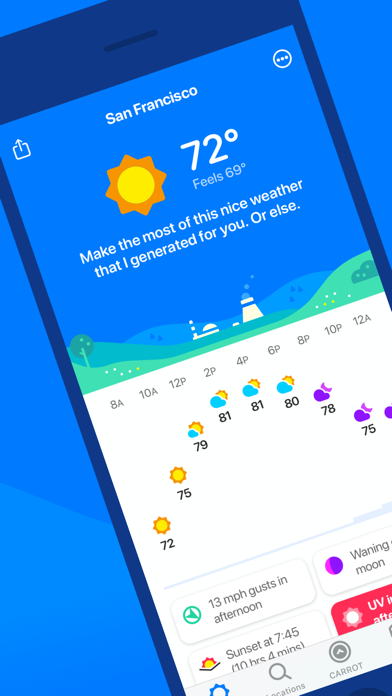
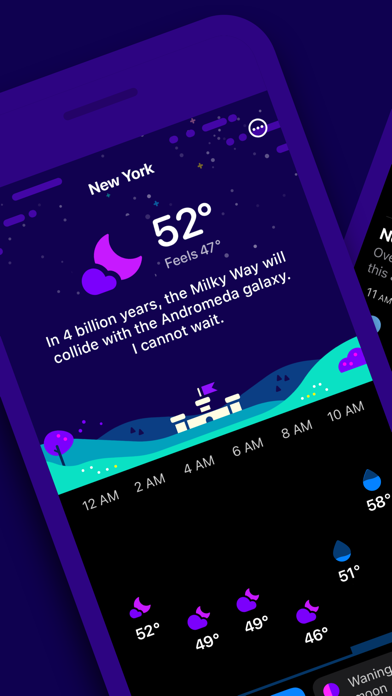
    CARROT Weather is a crazy-powerful (and privacy-conscious) weather app that delivers hilariously twisted forecasts.

    ** 2021 Apple Design Award winner, App Store Editors’ Choice award winner, and featured by The New York Times, Good Morning America, CNN, Wired, & more! **

    Overflowing With Personality
    Choose one of five personalities for CARROT, from the straitlaced “professional” to the profanity-laden “overkill.” You’ll actually be looking forward to a torrential downpour just to see what your weather robot has in store for you!

    Accurate & Detailed
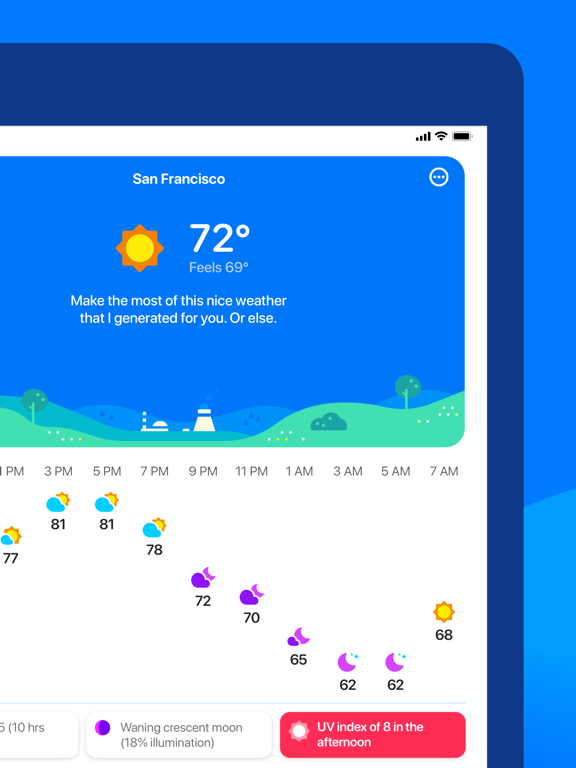
    CARROT’s super accurate weather data gives you lightning-quick access to your current, hourly, and daily forecasts. And the easy-to-read details screens are just dripping with with meteorological goodness.

    Privacy First
    Your personal information, including your location data, will never be sold to third parties.

    More Than A Weather App
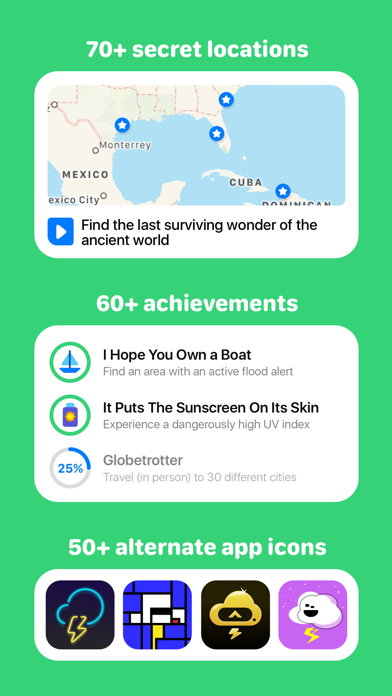
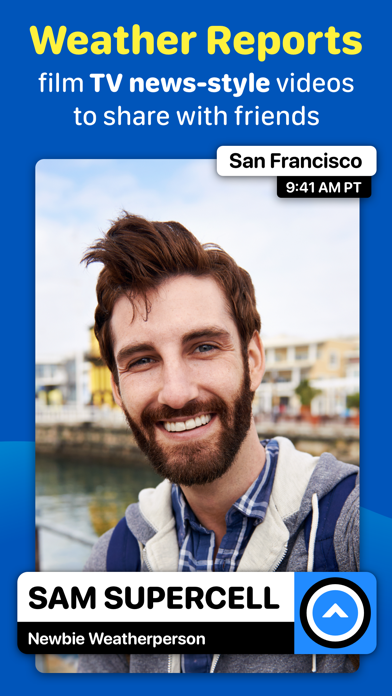
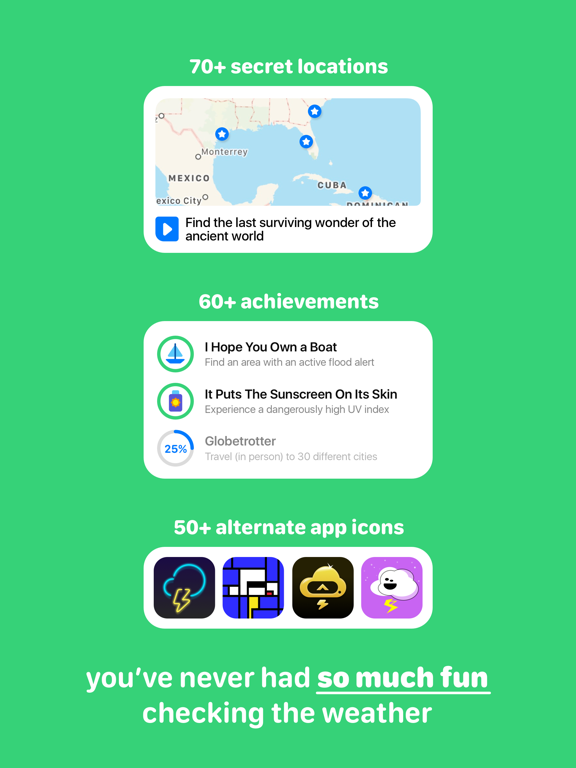
    Follow clues to track down 90+ secret locations. Unlock 60+ achievements. Film your own TV-news-style weather report videos. Or use Augmented Reality Mode to bring CARROT right into your living room.

    Join Premium Club to unlock:

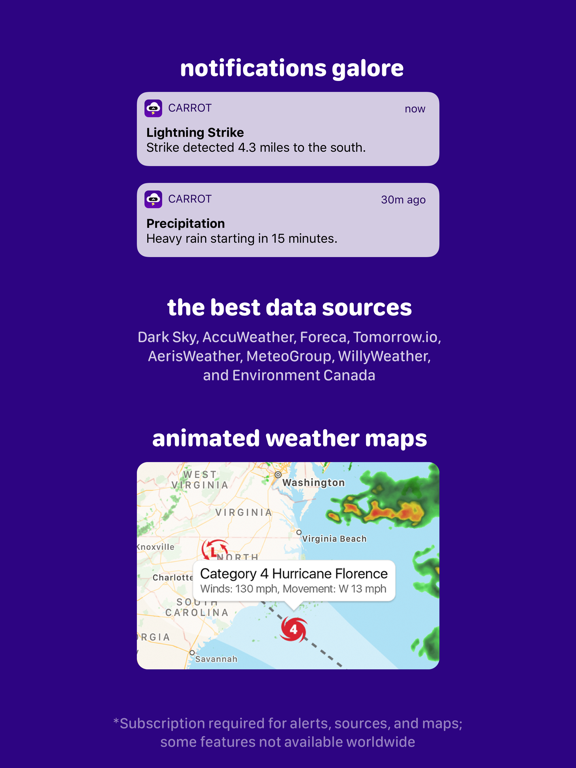
    - More weather data sources, including Dark Sky, AccuWeather, and Tomorrow.io
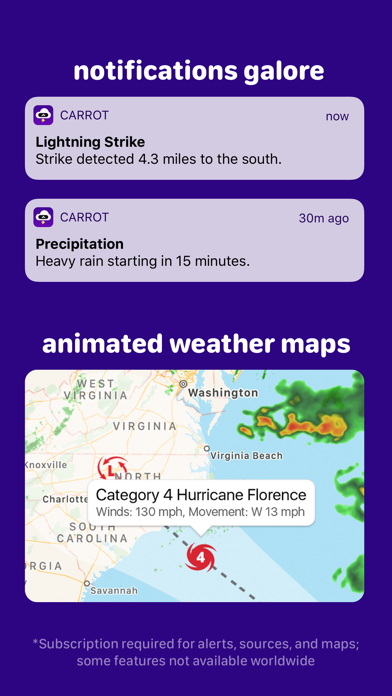
    - Notifications, including precipitation, weather alerts, and lightning strikes (where available)
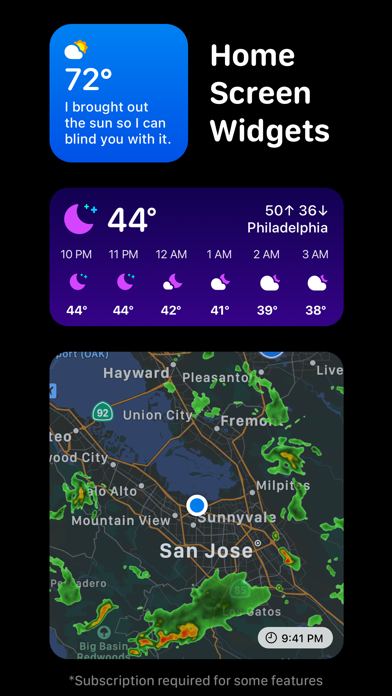
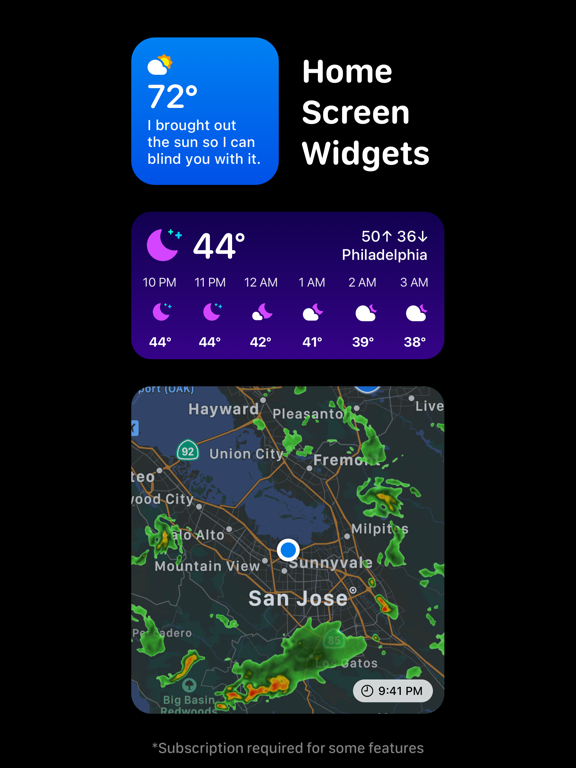
    - Home Screen widgets
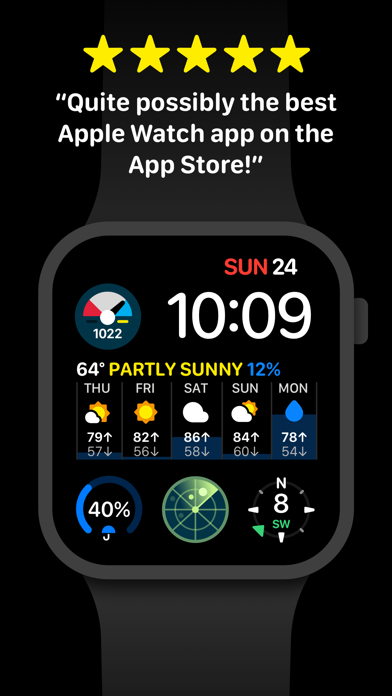
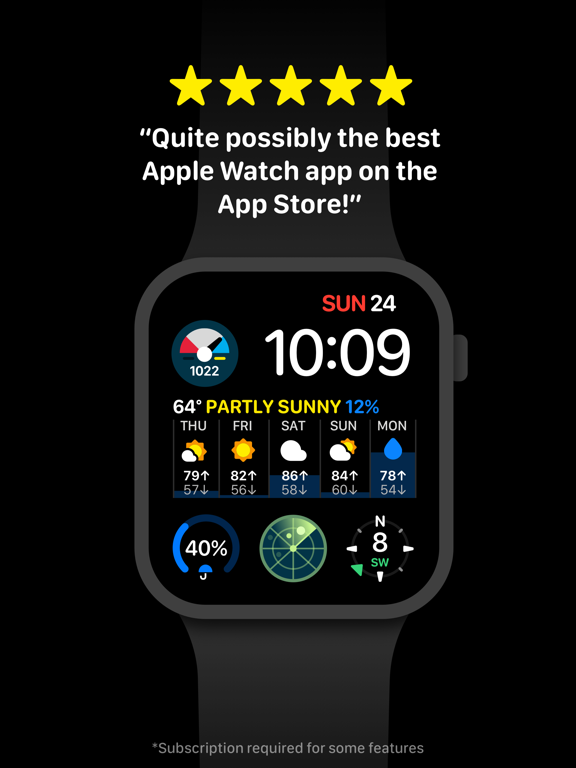
    - Apple Watch complications and background updates
    - Weather maps with 20+ data layers (where available)
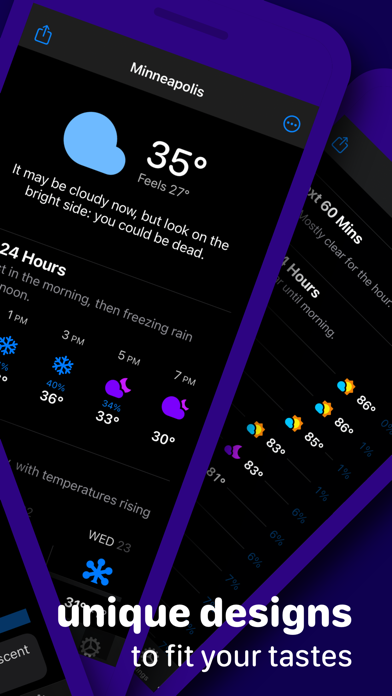
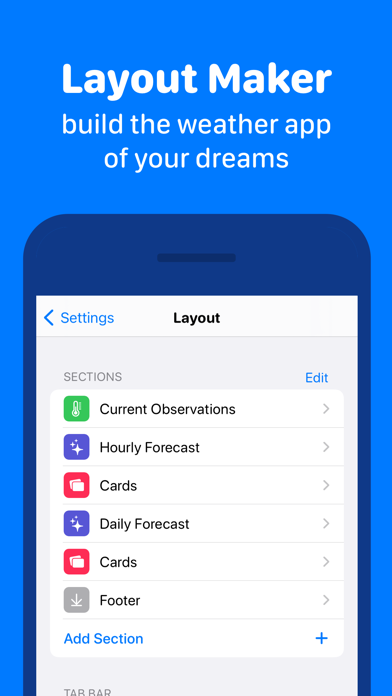
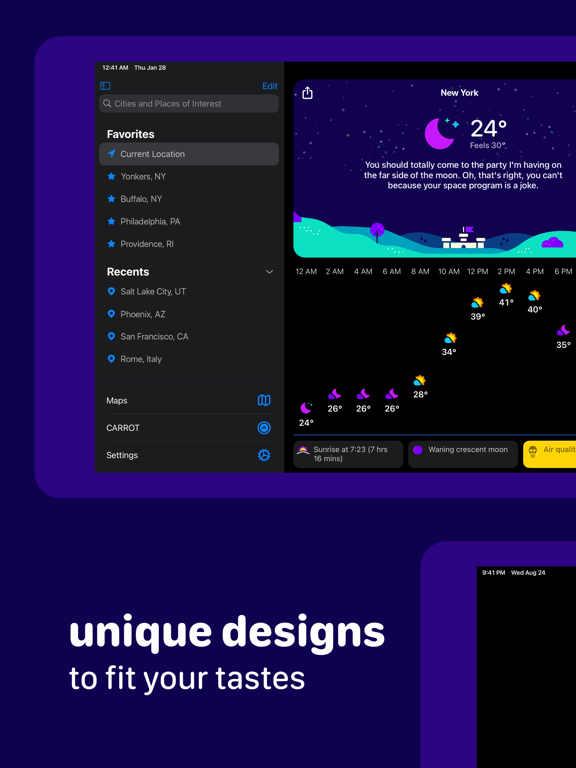
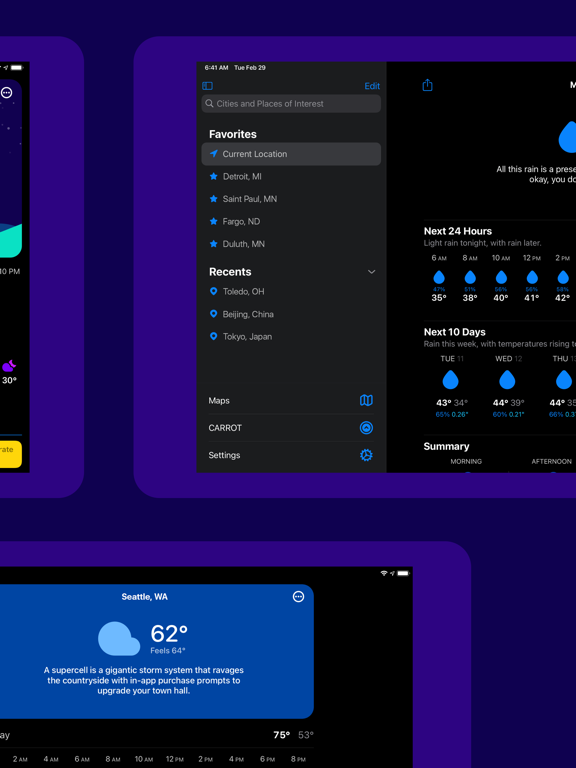
    - Customization of the entire user interface
    - And so much more!

    Don’t make CARROT angry. Download her now!

    ---

    CARROT Weather uses auto-renewing subscriptions.

    Premium provides additional features like weather data sources, notifications, customization, widgets, and Apple Watch complications.

    Premium Ultra includes all the features of Premium, plus rain, lightning, and storm cell notifications (where available), a weather maps widget, and quick data source switching.

    Premium Family includes all the features of Premium Ultra, with the added benefit of being shareable with up to five family members via Apple’s Family Sharing service.

    Payment will be charged to your Apple ID account at the confirmation of purchase. The subscription automatically renews unless it is canceled at least 24 hours before the end of the current period. Your account will be charged for renewal within 24 hours prior to the end of the current period. You can manage and cancel your subscriptions by going to your App Store account settings after purchase. Cancellation of the current active subscription period is not allowed.

    Terms of Use: http://support.meetcarrot.com/weather/terms.html
    Privacy Policy: http://support.meetcarrot.com/weather/privacypolicy.html

  • Last Updated:
  • Release Notes:

    Fall is here, meatbags! And while you’ve been busy deciding just how obscene your Halloween costume should be this year, I’ve been hard at work on a major update to your favorite weather app.

    Supersized iPad Widgets
    My Forecast and Maps widgets take full advantage of the increased screen real estate in the supersized iPad widgets. (Automatic background updates require a Premium Club membership; the Maps widget requires Premium Ultra.)

    Themes
    Want to dress me up in some fancy new hues? Customize my background and accent colors from the Display screen. (Premium Club membership required.)

    SF Icon Sets
    I’ve packed in not one, not two, but three new system-style weather icon sets. Customize from the Display screen. (Premium Club membership required.)

    Notification Upgrades
    Rain, lightning, and weather alert notifications will be sent as “Time-Sensitive” by default so that they can bypass Focus filters. And you can now sign up to receive Critical Alerts for warnings that NOAA indicates have a high likelihood of “considerable” or “catastrophic” damage. (Premium Club membership required.)

    Smart Complication
    My new Smart Complication works similarly to the Cards in my main iOS app: you choose the thresholds for the different data points that can appear in the complication, and I’ll show the highest priority ones as conditions change throughout the day. Available for large complication slots only; set up from my iPhone app. (Premium Club membership required.)

    Redesigned Details Screens
    The Current Observations, Hourly Forecast, and Daily Forecast details screens have all gotten a facelift! They’re easier to read and include more meteorological goodness than ever before.

    New Content
    There’s a brand new achievement for you to unlock, plus nine - that’s right, I said NINE - new secret locations for you to hunt down.

    But wait, there’s more!

    - Added toast notification when Smart Layouts cause the current layout to change. (Tap the notification banner to disable the notification.)
    - Added option at bottom of Layout screen to disable Smart Layouts.
    - Added two new Daily Forecast vertical chart styles. Toggle “show temperature gradient” to switch between the two styles.
    - Added an optional temperature gradient to the Daily Forecast vertical stack style.
    - Added feels like and wet-bulb temperatures to the list of available data points for the Daily Forecast details screen.
    - Added new 3-Day Forecast complication for the Infograph Modular face.
    - Added option to hide the alerts button in the Apple Watch app.
    - Added custom notification for wet-bulb temperature data point.
    - Added option in Settings > General for VoiceOver users to enable the speech synthesizer.

    Now go start gathering nuts for the winter. I’ve got a cold one planned for you.

    xoxo,
    CARROT